
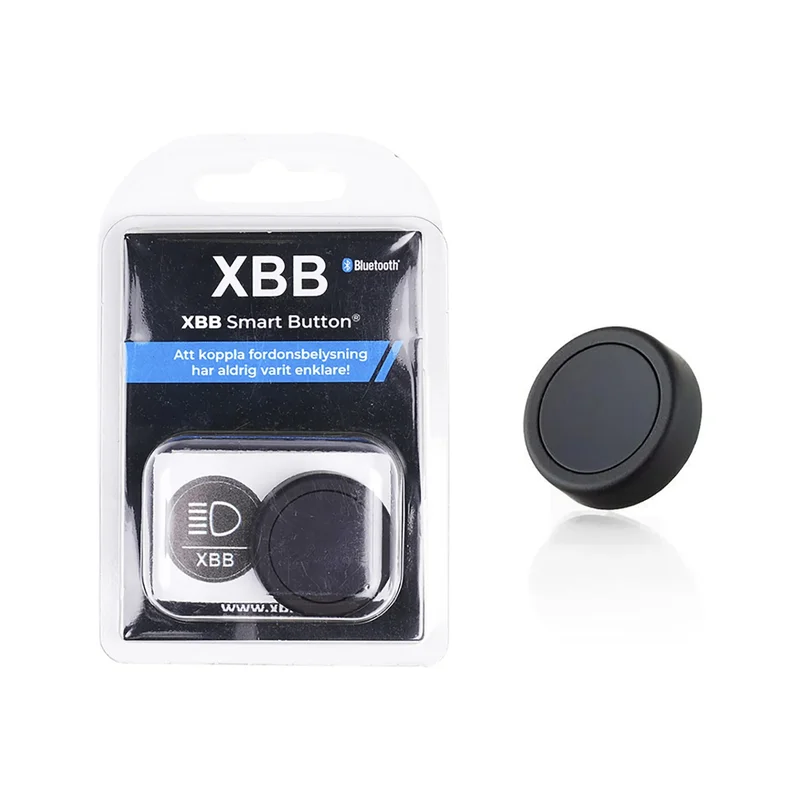
Description
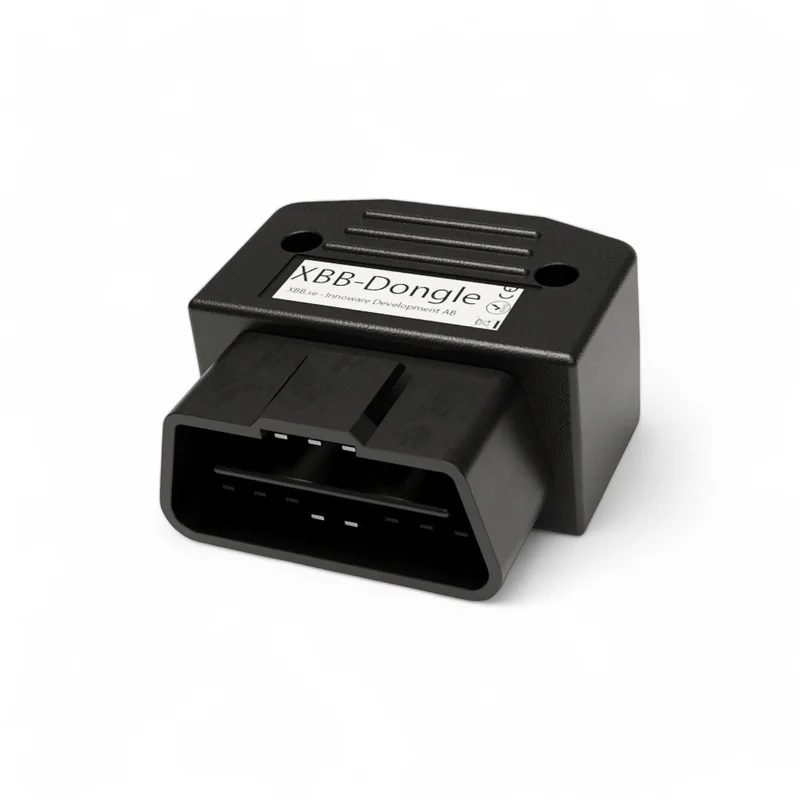
Control lighting or other connected equipment wirelessly with a smart push button. It communicates with your XBB Dongle via Bluetooth, eliminating the need to cut wires for installing a traditional, wired switch. The button can be programmed to control output 1 and 2 on your PowerUnits, providing multiple functions in a single button.
Here are some examples of how the button can be used:
-
Turn off your auxiliary lights or LED bar even when high beams are on, for example, during snowfall.
-
Turn on reverse lights or work lights without shifting into reverse or being inside the vehicle.
-
Disable the Halo/DRL function on your auxiliary lights or LED bar.
Quick guide for installing the XBB Smart Button via the XBB Configurator app:
-
Open the XBB Configurator app (available on Google Play and the App Store).
-
Connect your phone to the XBB Dongle.
-
Go to the PowerUnit tab and select ”Add New Device.”
-
Click ”Add XBB Button,” and your XBB Dongle will start searching for the button.
-
Press your XBB Smart Button once and click ”OK” when the button is detected.
-
Go to the PowerUnit settings.
-
Select what should happen on a single or double press, and save your settings.
Reviews
There are no reviews yet.